 eReader Relay
EPUB library
Read, download, resend, archive, restore, and remove generated books.
Every successfully generated EPUB is stored in the library, including one-off books sent from the browser extension and scheduled reading-list editions.
Find a book
Use the active and archived views, search, sorting, and pagination to narrow the table. Each row shows the edition, chapter count, status, file size, and creation time.
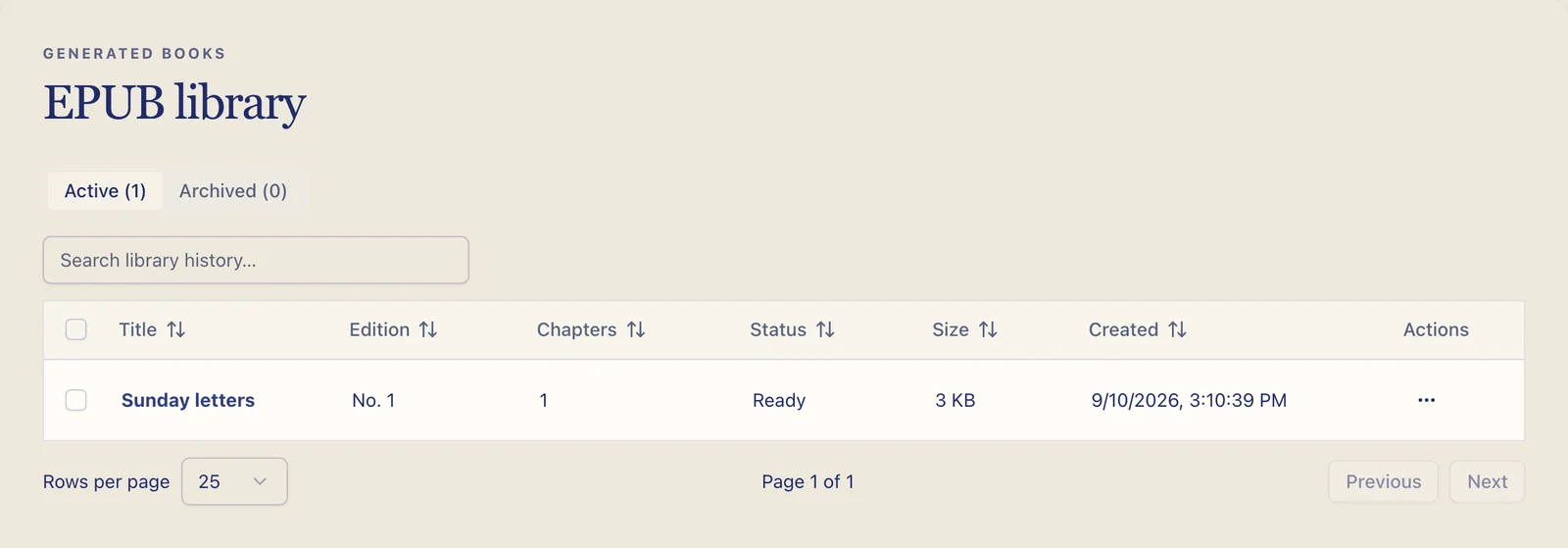
Skipped runs do not appear here because no EPUB was created. Open the relevant reading list and inspect Run history for skipped or failed attempts.
Read in the browser
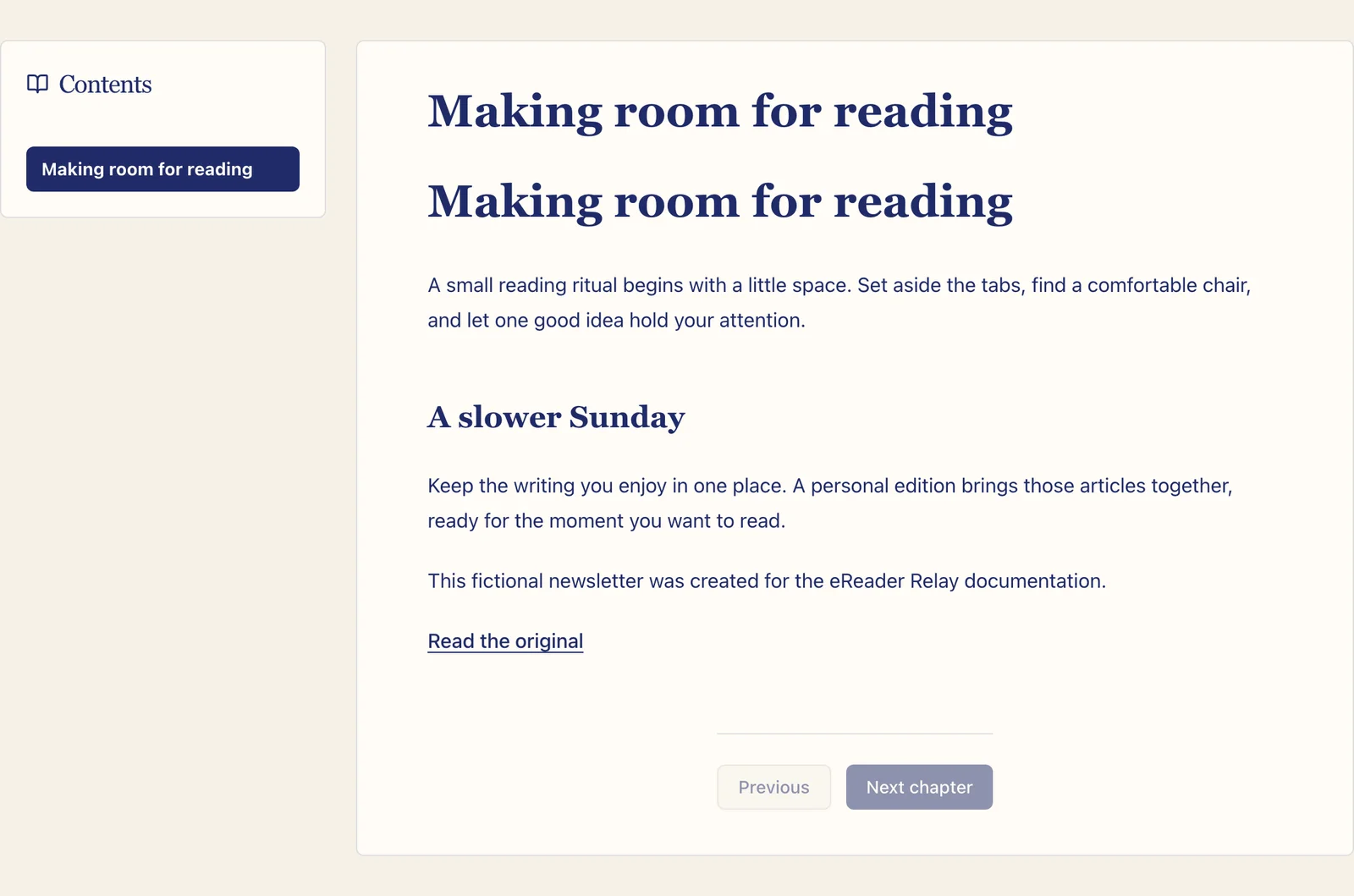
Open a book to use the in-app reader. Choose a chapter from the contents list or use the previous and next controls. The EPUB file remains available for download from the same book.
Download an EPUB
Use Download EPUB to save the original generated file. Open it with any compatible reader or transfer it manually according to the device provider's instructions.
Send an existing book
Choose Send to device and select a registered destination. This reuses the existing EPUB; it does not regenerate the source content.
Archive, restore, and delete
- Archive hides a book from the active library while keeping it recoverable.
- Restore returns an archived book to the active library.
- Delete permanently removes the selected book from eReader Relay.
The library supports selecting several books for bulk archive, restore, or delete. Review the selection carefully before a permanent deletion.
For books stuck in processing or unavailable for download, see EPUB library troubleshooting.